
 Image 1 of 1
Install Instructions v1.1
IMPORTANT - MAKE SURE YOU HAVE UPDATED TO THE LATEST VERSION OF PROCREATE
From a Mac -
Airdrop the brush file “Sketchaday_brushes” to your iPad and choose to open with procreate. If you don’t know how, follow this link for more info - https://support.apple.com/en-us/HT203106
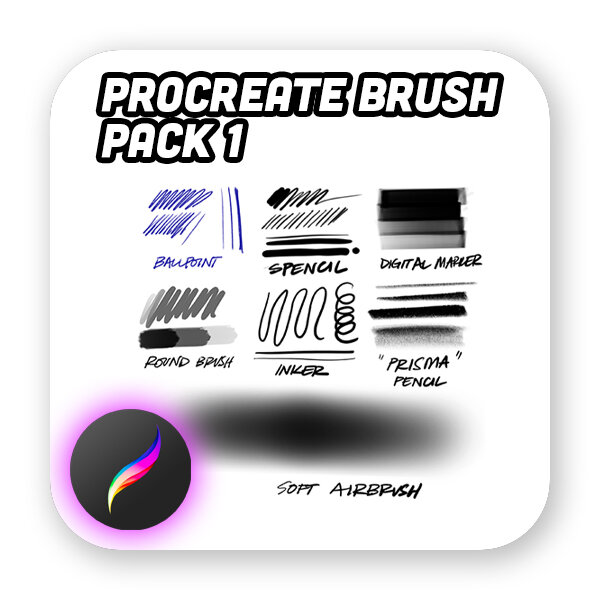
Once the file is on your ipad, you should be prompted to open with procreate. You should now have a palette of brushes in the procreate app called “Sketchaday” or “Sketchaday_brushes”
On your iPad -
Locate the emailed message from the store and download or save the file “Sketchaday_brushes” (ideally to the files app)
Open the file “Sketchaday_brushes”
You should now have a palette of brushes in procreate called “Sketchaday”